

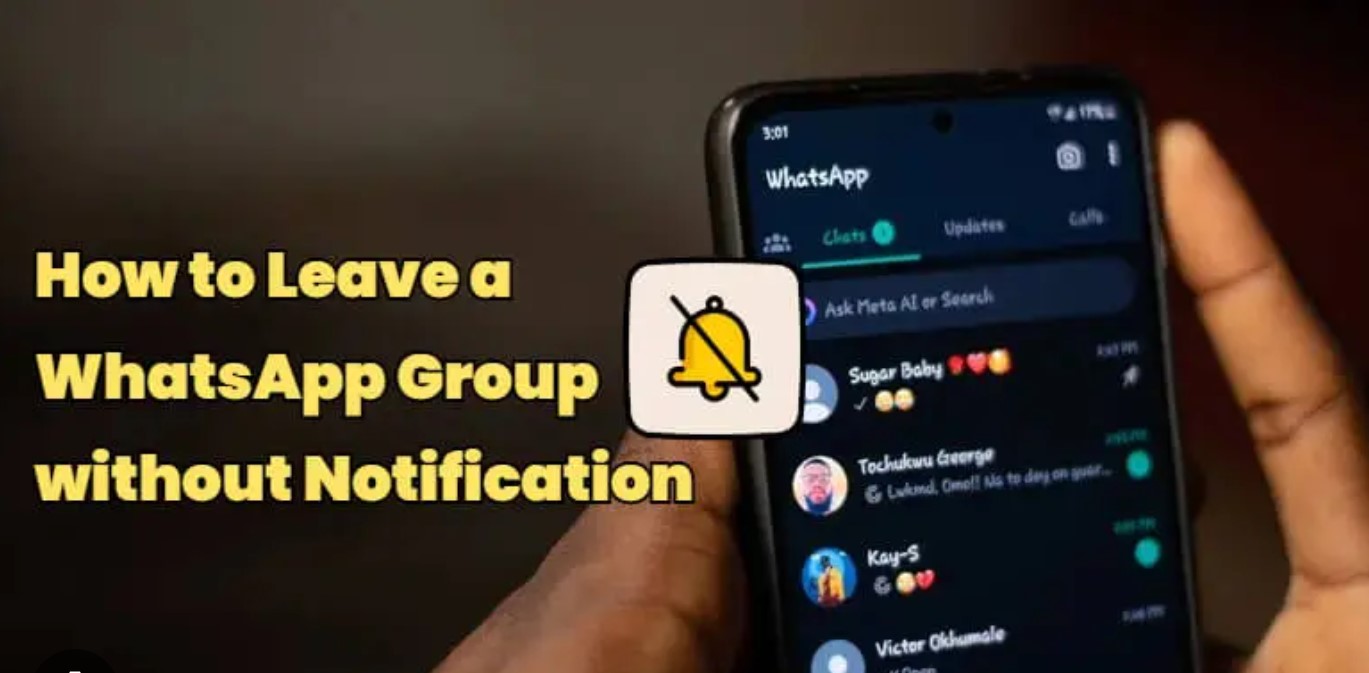
WhatsApp groups are useful for staying connected with family, friends, colleagues, and community members. However, there may come a time when you no longer wish to be part of a particular group. In the past, leaving a group would notify all participants, often leading to questions or unwanted attention. Fortunately, WhatsApp has introduced features that make exiting a group much more private.
Today, when you leave a WhatsApp group, a notification is no longer sent to every member. Instead, only the group administrators receive a message indicating that you have left. This change gives users more control over their privacy and reduces the pressure that can come with leaving a busy group chat.
To leave a group, open WhatsApp and select the group you want to exit. Tap the group name at the top of the screen to open the group information page. Scroll down until you see the “Exit Group” option. Tap it and confirm your decision when prompted. Once completed, you will no longer receive messages or notifications from that group.
Although regular members will not receive a direct notification, they may still notice your absence if they check the participant list. For this reason, it is important to remember that leaving a group is more private than before, but it is not completely invisible.
If you are unsure about leaving immediately, you can choose other options first. Muting the group allows you to stop receiving notifications while remaining a member. You can also archive the group to remove it from your main chat list without leaving it entirely.
Before exiting, consider whether the group contains important information, files, or contacts that you may need in the future. Saving any necessary content beforehand can help prevent inconvenience later.
WhatsApp’s updated privacy features have made group management easier and more comfortable for users. You can now leave most groups quietly without drawing attention from every participant. By understanding the available options, you can manage your conversations more effectively and maintain greater control over your digital communication experience.
Ultimately, the best approach is to use WhatsApp in a way that supports your needs and respects your privacy. Whether you choose to stay, mute, archive, or leave a group, the platform now offers more flexibility than ever before.