
Mistakes to avoid when charging your phone
 Follow on Google News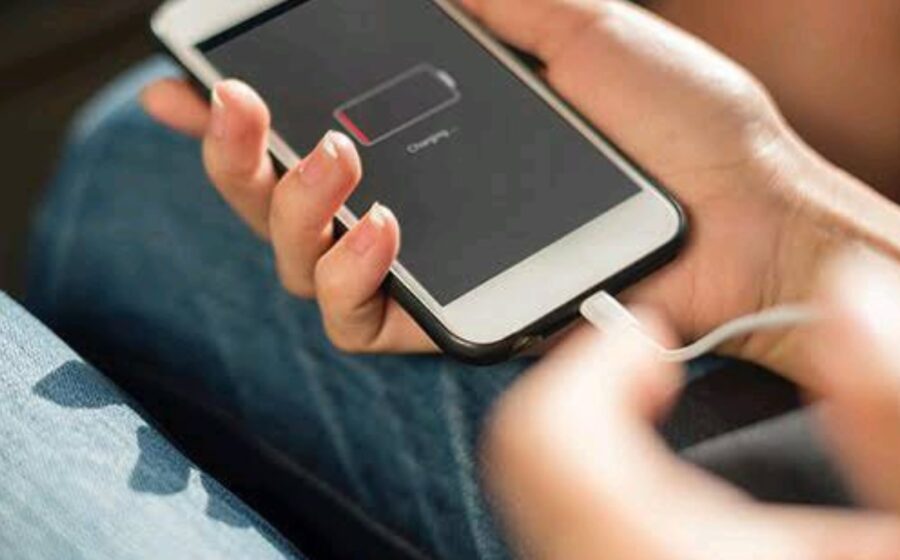
While some of the tips you listed are helpful, keep in mind that battery optimization approaches differ based on the smartphone model and operating system you’re using. Let’s go through each tip and provide some further context:
1. Starting with an 80% markup: While it’s true that charging your phone up to 80% can help prevent overcharging and reduce stress on the battery, it’s not necessary for everyone to follow this rule strictly. Modern smartphones typically come with advanced battery management systems that regulate the charging process, so you can charge your phone to 100% without significant harm. However, it’s still advisable to avoid frequent deep discharges to extend battery lifespan.
2. Avoid continuous charging: Partially discharging your battery before charging it again (e.g., waiting until it reaches around 20%) can help calibrate the battery’s gauge and improve its accuracy over time. However, modern lithium-ion batteries used in smartphones do not have the “memory effect” associated with older battery technologies. It’s generally fine to charge your phone whenever it’s convenient for you without worrying about specific charge levels.
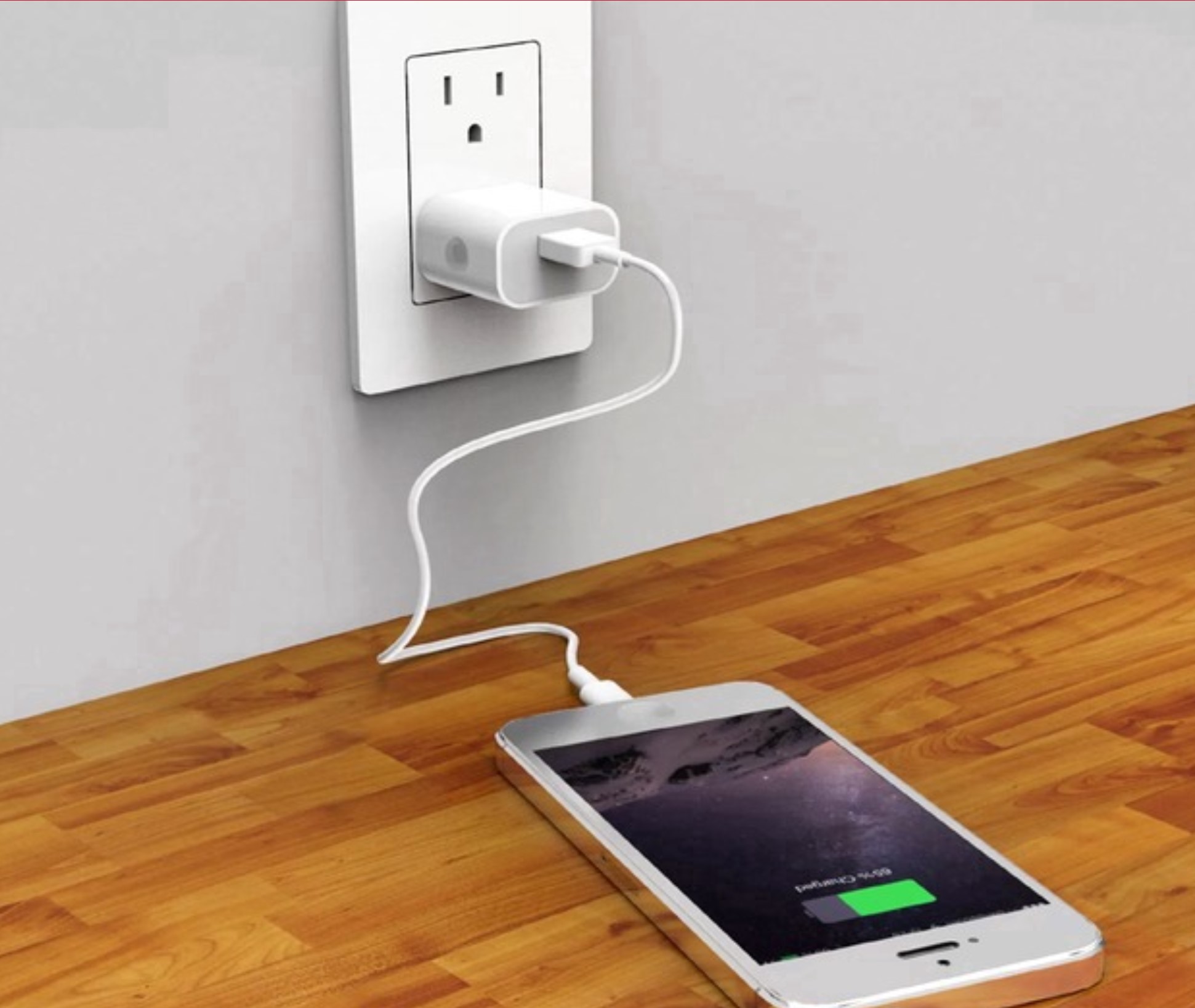
3. Use the original charger: Using the original charger that comes with your phone is usually recommended. It’s specifically designed for your device and provides the optimal voltage and current for charging. However, if you need to use a spare or replacement charger, ensure that it has the same output specifications (voltage and current) as the original one to avoid potential issues.
4. Avoid quick chargers: Fast charging technologies, such as Qualcomm’s Quick Charge or USB Power Delivery (USB-PD), are generally safe to use with modern smartphones. Manufacturers design their devices and batteries to support these fast charging standards. While it’s true that fast charging can generate more heat, the phone’s thermal management system should handle it adequately. However, if you’re concerned about battery longevity, you can opt for slower charging speeds when possible.
5. Avoid leaving your phone charged in the charger all night: It’s generally a good practice to unplug your phone once it reaches 100% or when you no longer need to charge it. However, most modern smartphones are equipped with mechanisms to prevent overcharging. Once the battery reaches its full capacity, the charging process switches to a trickle charge or stops altogether. Leaving your phone plugged in overnight occasionally is unlikely to cause significant harm to the battery or result in overheating.
6. Be cautious with third-party battery saving apps: While there are legitimate battery saving apps available, it’s important to choose reputable ones from trusted sources. Apple and Google provide built-in battery optimization features in their respective operating systems, so using third-party apps may not always be necessary. Research and read reviews about any app before installing it to ensure it’s effective and doesn’t negatively impact your device’s performance.
7. Turning your phone over while charging: While turning your phone over during charging may help with heat dissipation, it’s not a crucial step for everyone. The impact on heat dissipation depends on the phone’s design and the case being used. If you notice that your phone gets significantly warm during charging, removing the case or placing it in a well ventilated area can aid in heat dissipation.
Remember, while these tips can contribute to optimizing battery life and performance, it’s essential to understand that battery technologies have improved over the years. Modern smartphones are designed to handle charging and discharging efficiently. To get the best out of your smartphone’s battery, it’s generally recommended to follow the manufacturer’s guidelines and use common sense practices such as avoiding extreme temperatures and keeping your device updated with the latest software.




Comments
0 comments